Messina OS: A calm TV for a home
In this note
We have 65-inch TVs in three rooms, and somehow I still needed four different apps on my phone just to put music on across the house.
Worse, turn on an expensive television in 2026 and look at what hits you in the face before you can watch a movie. Half the glass is a giant billboard for a show you don't watch, three carousels are hawking rentals, and the HDMI input you actually paid for is buried down in a tiny strip at the bottom. You bought a piece of living-room furniture, and it acts like a gas-station pump screen.
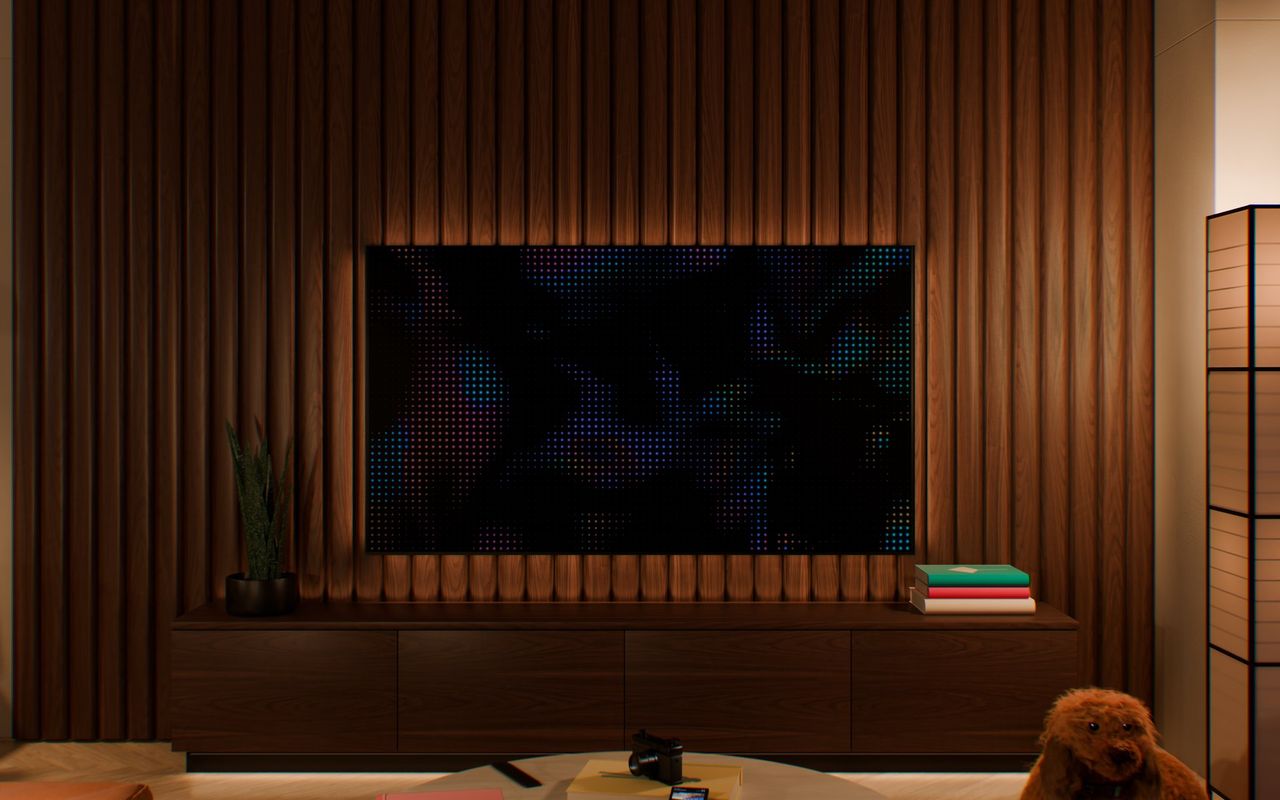
After complaining about it one too many Friday nights, I started building Messina OS to make our TVs quiet again: a clean launcher on the displays, a small Raspberry Pi hub in the closet, and a native Swift remote on our iPhones, with zero ads and zero tracking anywhere in the loop.
The north star comes straight from calm technology, in Amber Case's line: "Technology should require the smallest possible amount of attention." Right now the system is still being built: the core architecture, build gates, and chaos simulator are running, and the pilot is moving onto our real TVs one room at a time.
A blank corner that has to earn your eyes
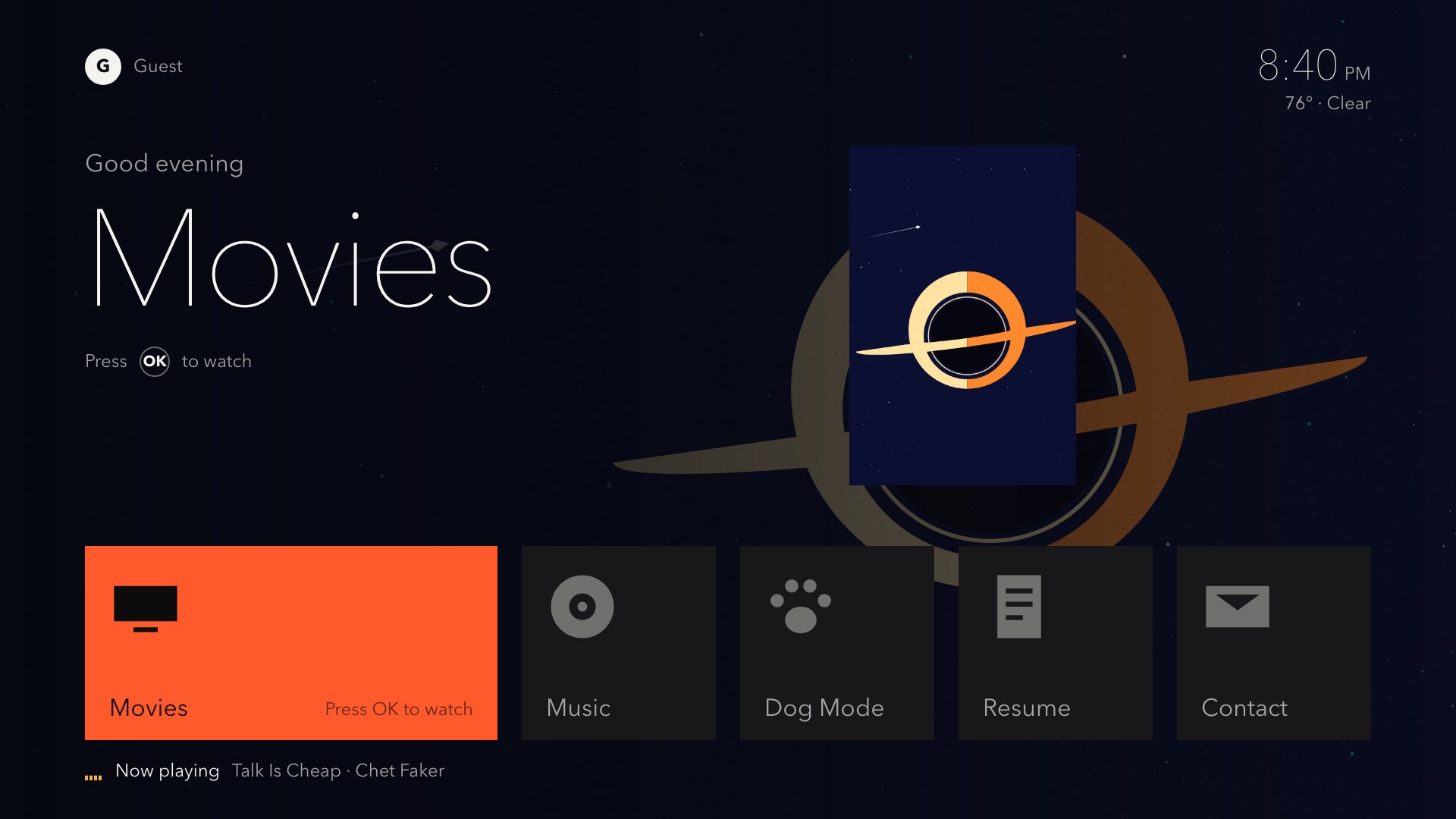
Press Home in Messina OS and almost nothing happens, which is the entire point. You get a short row of big tiles, one unmistakable title set in a geometric sans typeface (AD Sans) I drew in Illustrator for the 10-foot viewing distance, a plain hint telling you what pressing OK will do ("Press OK to watch"), and the time.
Rain starts in 12 minThat whole upper-right corner stays completely empty until one of seven ranked house rules actually earns the space: rain starting within the hour, a severe weather warning, the morning forecast, or something paused in another room you might want to pick back up. Overlays on top of a running movie are even stricter: only a genuine life-safety weather warning is allowed to interrupt the screen, and quiet hours silence the subtle three-note UI chimes at night.
When nobody's watching anything, the screen hangs public-domain paintings from open museum collections in proper mats with tiny gallery placards instead of cycling promotional trailers.
And then there's Dog Mode. Afternoon summer thunder in Miami makes our two Goldendoodles, Obi and Chewy, pace the house. One tap on the iPhone remote dims the lamps warm and puts quiet jazz on across the rooms, with a one-tap undo right beside it like every other smart-home action in the app.
Never make a closet Raspberry Pi a single point of failure
Most DIY smart-home setups commit the same cardinal sin: they put a tiny server in a closet right on the critical path of watching a Friday-night movie. Unplug the Raspberry Pi or botch a weekend update, and suddenly nobody on the couch can open Netflix or switch to the Apple TV.
Early on I wrote down the rule that kept me honest: "the tv needs to fully work and exist even without a Raspberry Pi. that is a way for us to enhance the experience." If you live with another human being, start there. The first night the TV refuses to turn on because your hobby server crashed is the night your hobby gets evicted.
- Instant local boot: The first frame paints from cached local state in under a second, and D-pad presses move focus in under 16 milliseconds without ever waiting on a network call.
- Hub as an upgrade, never a crutch: When the Raspberry Pi hub is online, it streams live home state over the LAN while keeping API keys off the TVs. When the Pi is unplugged, the TV drops back to public weather feeds and hides house fields it can't verify.
- Hide stale numbers instead of lying: A frozen two-hour-old sensor reading looks identical on screen to a live one, so if the hub drops offline,
Messina OSgoes quiet instead of bluffing. - Stay off the HDMI path: The launcher never sits inline with HDMI video playback, and the physical remote's stock Settings and native Home fallback always work.
Unplugging cables in the living room gets old fast, so pnpm dev spins up a 1920 x 1080 browser simulator wired to a fake "chaos hub" that flips between up, slow, flaky, and dead at a keystroke before a single build touches the wall.
Building for a frozen 2020 TV browser (Chromium 85)
The most humbling constraint in the whole repo is the browser baked into our Samsung TVs: Chromium 85, frozen in amber around 2020.
Modern CSS muscle memory breaks instantly on six-year-old TV silicon. So a post-build check called tv-guard fails compilation the moment any bundle crosses tight gzipped size caps or uses modern selectors and APIs that Chromium 85 chokes on, like :has(), aspect-ratio, container queries, or structuredClone.
Motion discipline had to be even stricter. One open-source TV launcher benchmark we studied held 60 fps across eight shadowed tiles, then cratered to 4.6 fps the instant three large animated gradients appeared on screen. Messina OS bans live backdrop blurs, animated gradients, and layout transitions outright, sticking strictly to GPU-composited transform and opacity checked by automated Playwright visual diffs against my Figma artboards.
Over-the-air updates needed a safety net too. Reinstalling signed developer packages across three TVs every time you nudge a margin by four pixels will drive you nuts in an afternoon. So we split the app into a tiny once-installed shell (about 3 kB gzipped holding fonts, sounds, and a known-good offline copy) plus a LAN-served app bundle signed with ECDSA (Chromium 85 predates Ed25519!). Every update boots on a 10-second probation timer: if it throws, hangs, or fails to report healthy within ten seconds, the TV rolls itself back to the last working build automatically. Sooner or later I'm going to ship a broken tweak at 11:00 PM, and the TV should fix itself without me getting off the couch.
Leave the factory firmware alone
Because a television belongs to a home and not a workbench, rule number one is never root a TV or touch its firmware. Every stock setting we quiet down gets logged alongside a one-line restore command, and the Settings screen states plainly which toggles Messina OS handles versus which ones hand straight off to the TV's native menu.
That's why inside the Home Port loft, Messina OS shows up in two places at once: calm on the living-room wall TV, and open in a bare case on the workbench next to a thumb drive labeled "rescue". Calm on screen is never just a minimal font and muted colors; it's an engineering budget you have to defend on every build.